
The ultimate guide to manage Google My Business for Repair Shops
Introduction
In today’s digital world, when customers search for a “mobile repair shop near me” or “computer service center nearby,” their first stop is usually Google. For repair shop owners and service managers, appearing in those top local search results can make all the difference between a day full of walk-ins and a slow, empty shop.
That’s where Google Business Profile (formerly Google My Business) comes in. Optimizing your profile not only boosts your visibility on Google Search and Maps but also helps customers find, trust, and choose your repair shop over competitors.
This comprehensive guide will show you how to manage Google My Business for maximum impact — helping you attract more local customers, build credibility, and grow your repair business faster than ever.
Why Google Business Profile (GBP) Matters for Repair Shops?
Before we dive into optimization steps, let’s understand why manage Google My Business is essential for repair and service businesses:
-
Local Visibility: Most customers look for nearby repair shops; an optimized GBP helps you rank in the Google Local Pack — those top three map listings.
-
Customer Trust: Verified profiles with reviews, photos, and active updates build confidence.
-
Free Marketing Tool: Google gives you this visibility at no cost — you just need to use it effectively.
-
Direct Customer Interaction: Customers can call, message, or request directions with one click.
For repair shop owners, service center managers, or multi-branch businesses, GBP is a must-have tool to outshine competitors and manage reputation effortlessly.
Step-by-Step: How to Optimize Your Google Business Profile
1. Claim and Verify Your Profile
Start by visiting Google Business Profile Manager.
-
Log in using your business email.
-
Enter your shop name and address.
-
Verify your business via postcard, phone, or email.
Verification ensures Google recognizes your repair shop as authentic — boosting your ranking and visibility.
2. Add Complete and Accurate Business Information
Your business details are the foundation of your profile. Fill in every field accurately, including:
-
Business Name – Use your exact shop name (avoid keyword stuffing).
-
Category – Choose relevant ones like Mobile Phone Repair Shop, Computer Repair Service, or Electronics Repair Shop.
-
Address & Service Areas – Add precise locations or multiple branches if you have them.
-
Business Hours – Keep them updated, including holidays.
-
Phone Number & Website – Ensure consistency across all online platforms.
🧩 Tip: Consistency in business details (NAP — Name, Address, Phone) across the web strengthens your SEO credibility.
3. Write a Compelling Business Description
Your description should tell customers who you are, what you do, and why they should choose you.
Example:
“At ByteFix Repair Center, we specialize in mobile, computer, and gadget repairs with same-day service, genuine parts, and expert technicians. Our goal is to deliver quick, affordable, and reliable solutions for every customer.”
Use keywords like mobile repair, computer service, laptop fix, and same-day repair naturally to improve local search visibility.
4. Upload High-Quality Photos & Videos
A picture says more than a thousand words — and on Google, it drives clicks. Add:
-
Exterior & interior photos of your shop
-
Technicians working on devices
-
Before-and-after repair images
-
Product or service displays
-
Short videos introducing your team
📸 Pro Tip: Profiles with 10+ high-quality photos get up to 2x more engagement than those without visuals
5. Collect and Manage Customer Reviews
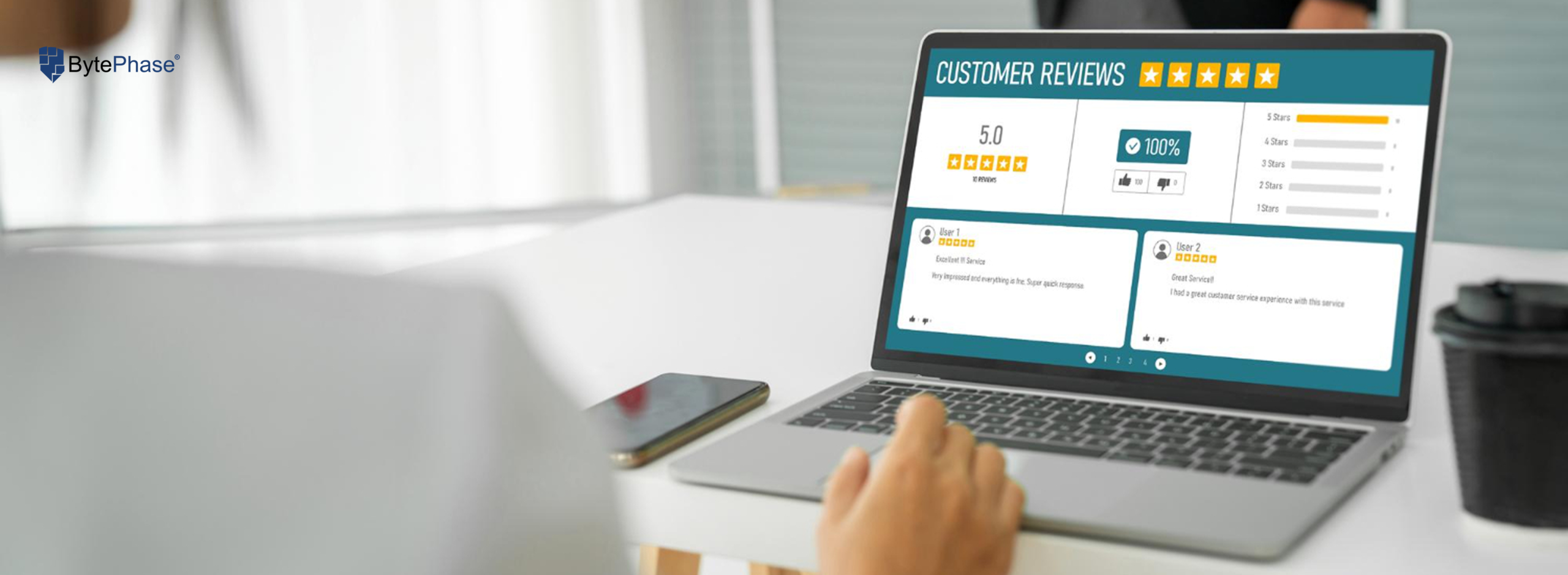
Customer reviews are the heartbeat of your Google Business Profile.
Encourage happy customers to leave positive feedback by:
-
Sending review links via WhatsApp or SMS after each job
-
Displaying QR codes in-store for easy review submission
-
Responding to all reviews — positive or negative — with professionalism
💬 Example:
“Thank you for trusting our team! We’re glad your laptop is running perfectly again.”
The more genuine, detailed reviews you get, the higher Google ranks your business in local search results.
6. Enable Messaging and Bookings
Allow customers to message you directly from your profile. Quick replies to inquiries about prices or repair times can convert more leads into actual customers.
You can also link your appointment booking page or CRM system, so customers can schedule repair visits instantly — a great feature for shops using BytePhase CRM with online scheduling integration
7. Add Regular Posts and Updates
Keep your profile active by posting weekly updates, offers, or repair tips.
Examples include:
-
“Get 20% off screen replacements this weekend!”
-
“We now offer doorstep pickup and delivery for laptop repairs.”
-
“How to protect your phone battery during summer.”
Frequent updates signal to Google that your business is active, which can help your ranking.
8. Use Insights to Measure Performance
Google provides analytics (Insights) within your dashboard showing:
-
How customers find you (search or maps)
-
What keywords they use
-
How many calls, direction requests, and website visits you receive
📊 Review these insights monthly to refine your strategy — focus on what’s working and improve what’s not.
How Multi-Branch Repair Shops Benefit from GBP?
For growing repair chains or service centers with multiple branches, Google Business Profile allows you to:
-
Manage multiple locations under one account
-
Add unique photos, hours, and contact details for each branch
-
Monitor performance for every shop individually
This is especially useful for businesses scaling beyond manual systems like Excel or WhatsApp. With tools like BytePhase CRM, you can integrate each branch’s data, reviews, and customer communication seamlessly — giving you total visibility and control.
Common Mistakes to Avoid
Many repair shops miss out on potential customers due to these avoidable mistakes:
-
Using inconsistent business names across platforms
-
Ignoring negative reviews or leaving them unanswered
-
Forgetting to update business hours during holidays
-
Uploading low-quality or outdated photos
-
Not using posts or offers to stay active
Avoiding these errors ensures your shop maintains a professional, trustworthy digital presence.
Turn Google Searches into Paying Customers
Manage Google My Business is one of the most powerful — and free — ways to grow your repair shop. With accurate information, compelling visuals, consistent reviews, and regular updates, you can transform casual searches into loyal customers.
Whether you’re managing a single repair shop or expanding into multiple branches, mastering your Google Business Profile ensures your business stands out every time someone searches for “the best repair shop near me.”
✨ Start today — optimize your Google profile, attract more local customers, and take your repair business to the next level.
Book a demo today!