

Cell Phone Repair Shop Software for Phone & Tablet Repair
At a glance: BytePhase is cell phone repair shop software for phone and tablet repairs — book a phone in at the counter with its IMEI, accessories and condition photos, track the repair, bill it and hand it back with an OTP, from the web or the Android and iOS apps. 15-day free trial.
Phone repair is high-volume, small-ticket work: a cracked iPhone screen, a Samsung battery swap, a loose charging port, a water-damaged Pixel. BytePhase keeps every one of those jobs on a single ticket board, so the counter, the bench and the customer always know where a phone is. Log a repair in about 60 seconds, send the customer a quote to approve, deduct the screen from stock when it is fitted, and let automatic WhatsApp updates answer the “is it ready?” calls.
Book a free demo · 15-day full-access trial
Get the app: Google Play · App Store · See the mobile app →
2,000+
Repair Businesses
32+
Countries
60 sec
To Log a Repair Ticket
Android + iOS
Native apps on every plan
Cell phone repair shop software for the counter and the bench
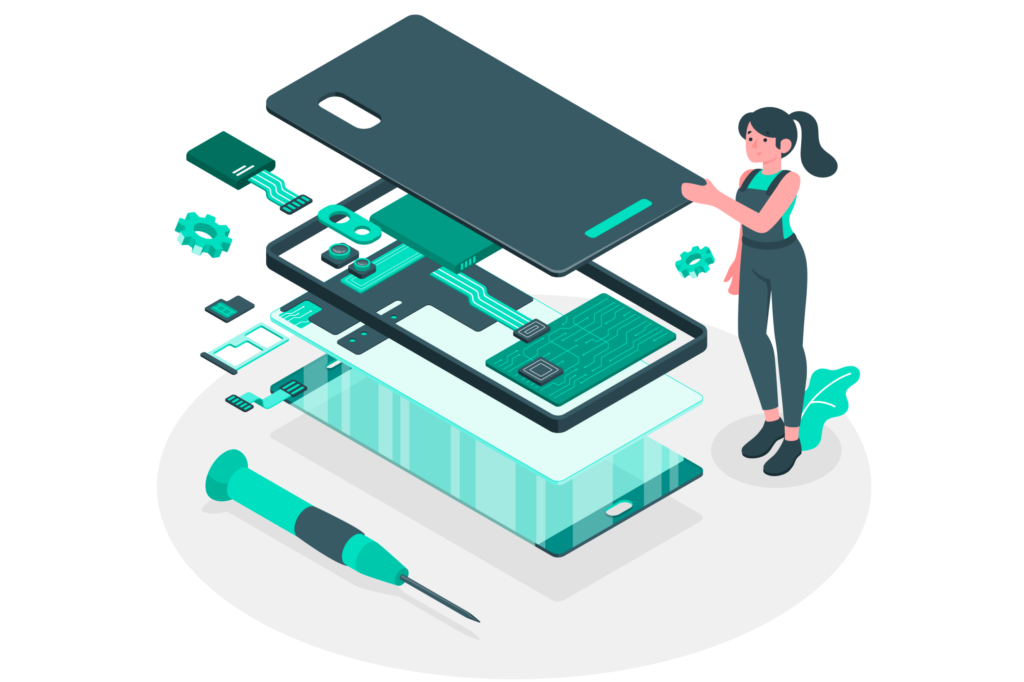
Most phone repair shops outgrow paper job cards the first time two identical black iPhones come in on the same afternoon. With BytePhase’s mobile phone repair software, each phone gets its own repair ticket the moment it arrives — the customer’s details, the brand, model, colour and IMEI or serial number, and the problems they reported. Technicians pick up jobs from their own queue, the front desk sees every status at a glance, and the whole team works from the same live data on the web, Android and iOS. It works the same way for a single-counter phone shop and for a service center handling hundreds of devices a week.
Intake that records IMEI, accessories and condition photos
Disputes start at the counter. In BytePhase, every repair ticket captures the IMEI or serial number, the accessories received (SIM tray, case, charger), the pattern lock or passcode, a pre-repair condition checklist and photos of the phone before anyone opens it. If that IMEI already has an open job, BytePhase warns you before you create a duplicate. Booking in a batch from a business customer? Create a bulk job and every device still gets its own ticket.
Screens, batteries and charging ports in one parts inventory
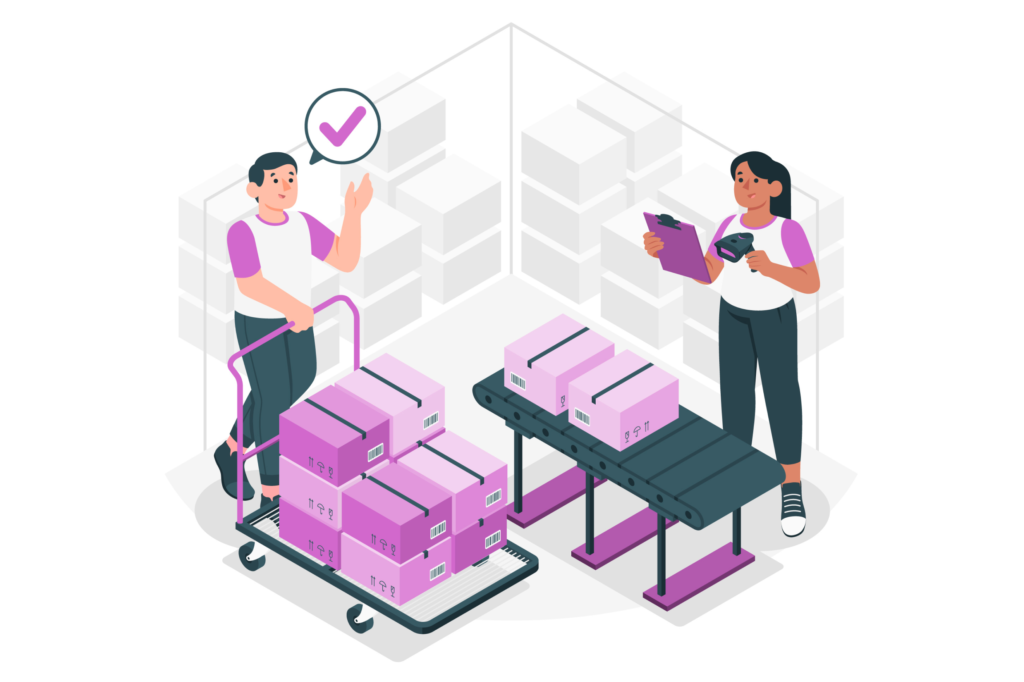
Phone repair margins live in the parts drawer. Track screens, batteries, charging flex cables and back glass by brand and model, get low-stock alerts before you run out, and record supplier purchases so new deliveries update stock automatically. When a technician fits a part, it is deducted from stock on that job, so the invoice and your stock count always agree. Barcode scanning speeds up both counter sales and stock checks.
More BytePhase features for phone repair shops
Everything a repair business needs — on one platform.
Native Android and iOS apps for your technicians
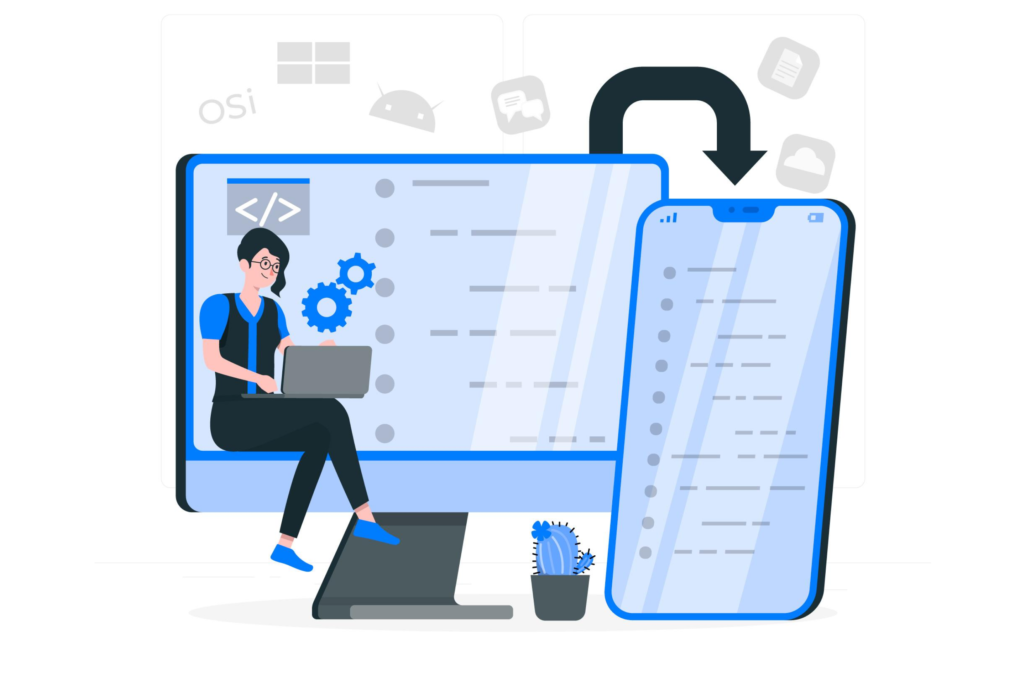
Phone repair happens at the bench, not at the front-desk computer. With the native Android and iOS apps that come with BytePhase, technicians book repairs with photos, scan part barcodes, check stock, update job status and send customer updates from the phone in their hand. The apps are included on every plan with no per-device fee, so the whole team can work from their own devices. As of September 2026, RepairDesk lists no app in the App Store or Google Play.

WhatsApp, SMS and email updates that stop the “is it ready?” calls
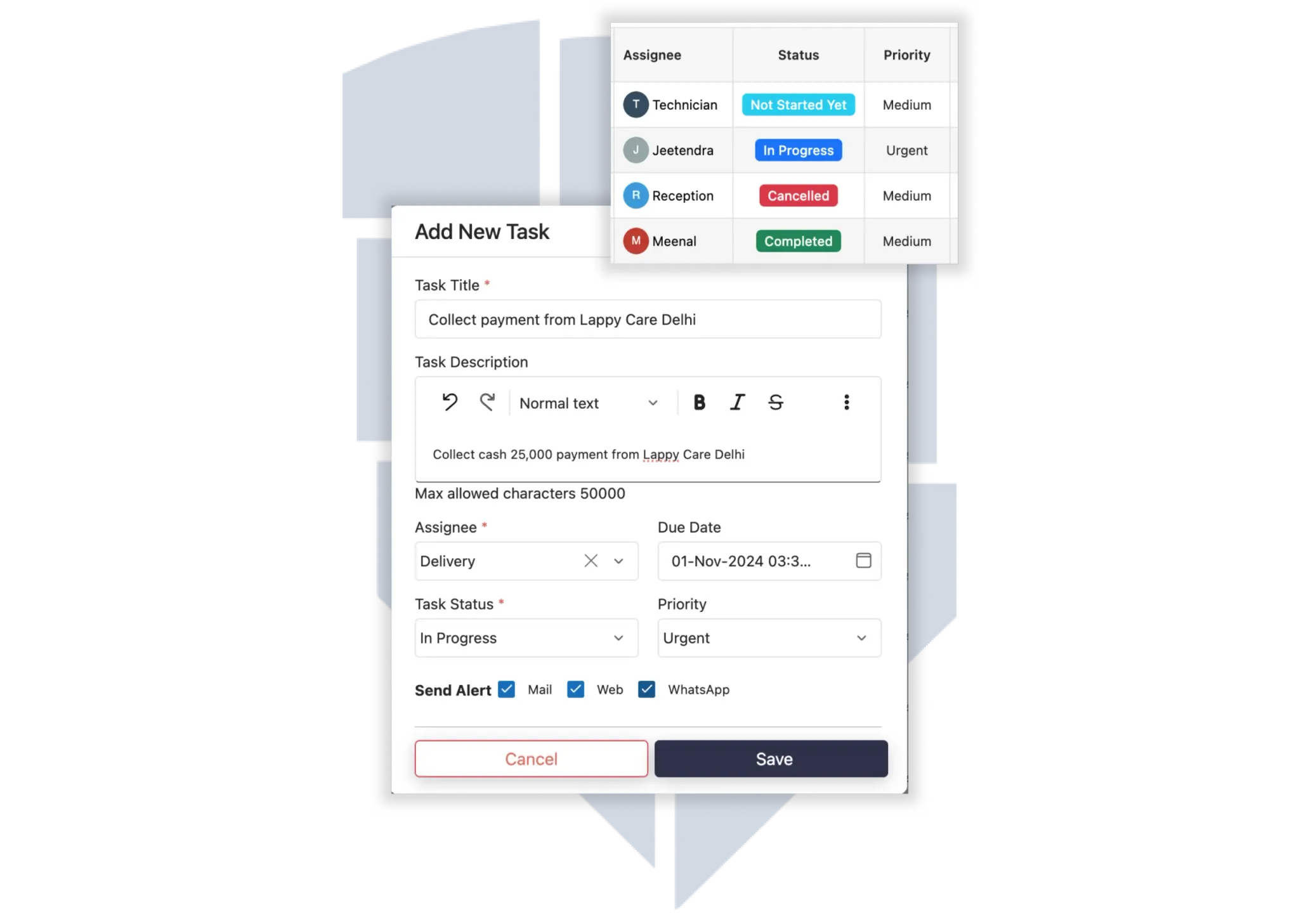
Customers get an automatic WhatsApp, SMS or email message when their phone is checked in, when the quote is ready to approve and when the repair is ready for pickup — sent under your shop’s name, and from your own WhatsApp number if you connect it. Customers approve quotes before work starts, and invoices can go out as a PDF attachment.
POS billing for phone repairs and accessories
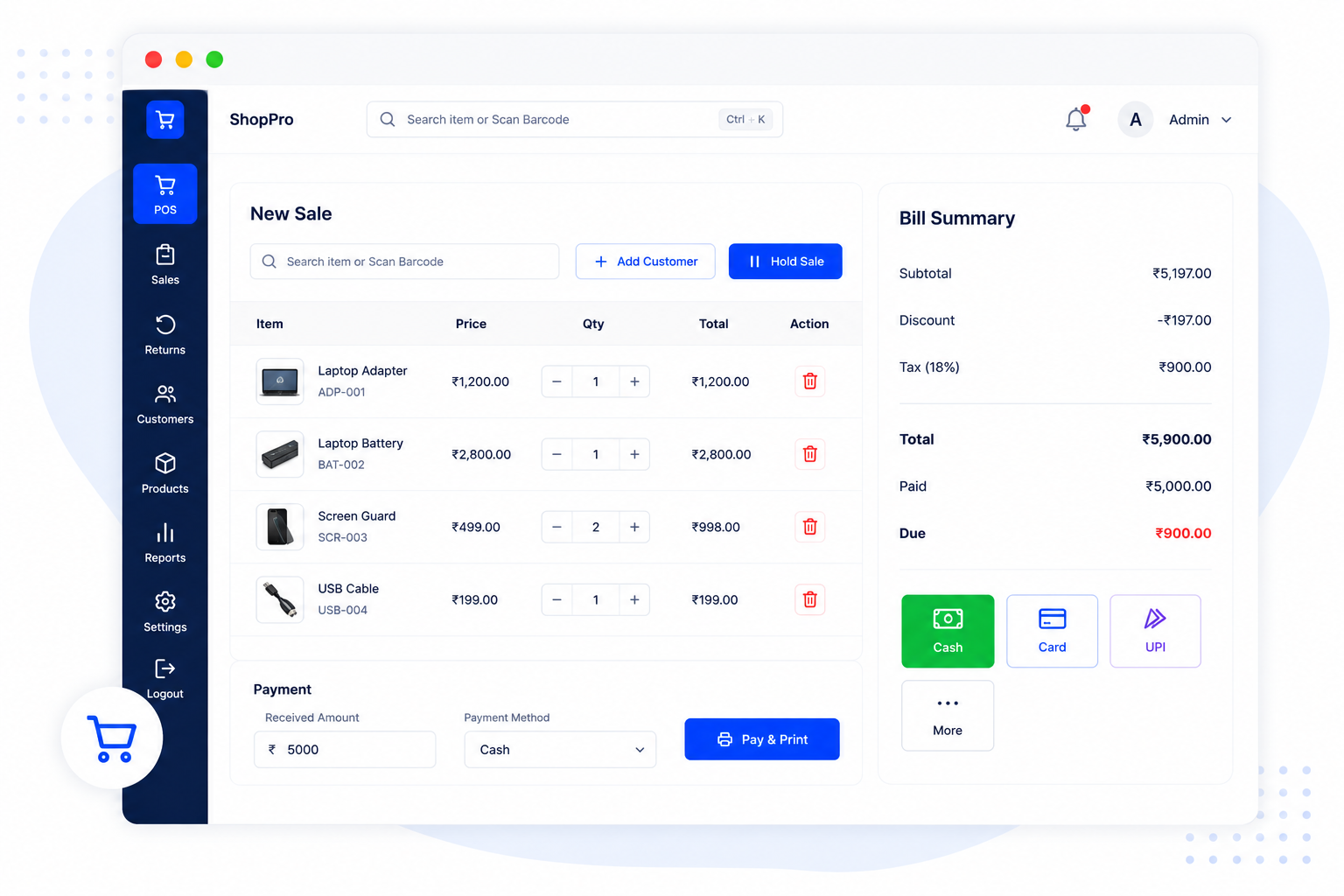
Sell a screen protector, a case and a charger at the same counter where you close a repair. BytePhase’s point of sale turns a finished repair ticket into an invoice in one click, records the payment and prints a receipt on a regular or thermal printer. Tax name, number and rate are configurable — VAT, GST or sales tax — and your invoices can use any of 26 currencies.

Assign technicians and track commission on every repair
Assign each phone to a technician, control what every staff member can see or edit with role permissions, and pay commission as a percentage or fixed amount based on revenue, profit or the service performed. Activity logs show who changed what on every ticket, so accountability never depends on memory.
Why phone repair shops switch to BytePhase
Most phone repair shops start on a notebook, a spreadsheet and a WhatsApp group — until a customer’s phone goes missing between chats or the wrong device is handed over. Cell phone repair shop software like BytePhase replaces all three with one system: IMEI-tracked tickets, parts that deduct from stock, automatic customer updates and OTP-verified handover, on the web and in native Android and iOS apps. Plans are priced for your market, the Enterprise plan includes multiple branches, and every account starts with a full 15-day free trial. BytePhase already runs 2,000+ repair businesses in 32+ countries. See plans for your country →
Frequently asked questions
Mobile phone repair software manages the whole repair job for a cell phone repair shop: booking the phone in with its IMEI and condition photos, assigning a technician, tracking the parts used, sending the customer updates, invoicing and handing the phone back. BytePhase does all of this on the web and in native Android and iOS apps, and every account starts with a 15-day free trial. See repair ticket management.
Yes. Every customer profile in BytePhase keeps the full history of their devices and repair tickets, so when a customer returns you see past jobs, parts used, invoices and warranty status before you open a new ticket. BytePhase also warns you if a phone’s IMEI or serial number already has an open job. That history shows up in both the web app and the mobile app.
Turn a finished repair ticket into an invoice in one click, sell accessories from the same point of sale, and record cash, card or online payments against it. Invoices print on regular or thermal printers or go out as a PDF by email or WhatsApp, and BytePhase syncs with QuickBooks and Xero.
Yes. You can configure job statuses, notification templates, staff permissions, custom fields and print layouts, and hide the modules you do not use. At sign-up, the mobile repair template pre-loads common device types, brands, models and repair services, so you can log your first phone in minutes.
Yes. A single-counter phone repair shop can start on any plan, and growing businesses can move to the Enterprise plan, which includes multiple branches — each with its own staff, customers, stock and reports, all opened from one login.
Yes. BytePhase runs as native Android and iOS apps as well as in any web browser, so technicians can create repair tickets, update job status, scan barcodes and send customer updates from the counter or on the go. Your whole team can log in across phones, tablets and desktops with no per-device limit, and everything stays synced in real time through the cloud. When you evaluate mobile repair shop software, look for exactly this: fast ticket creation, device/IMEI tracking, spare-parts inventory, automated SMS, WhatsApp and email status updates, OTP-verified delivery and integrated payments.
Last updated: 8 October 2026