What Is a Custom Domain? Why Repair Shops and Businesses Should Use One
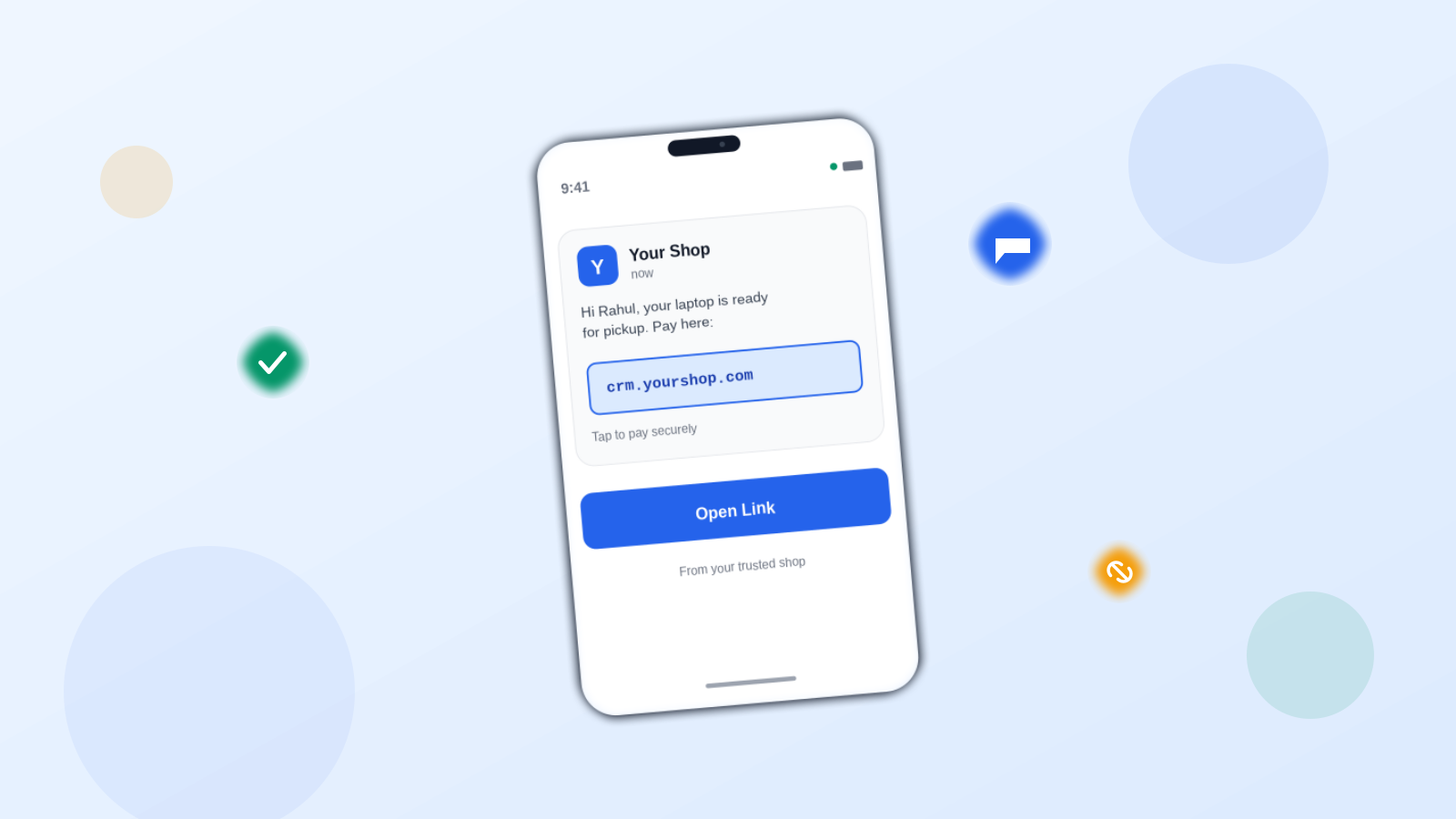
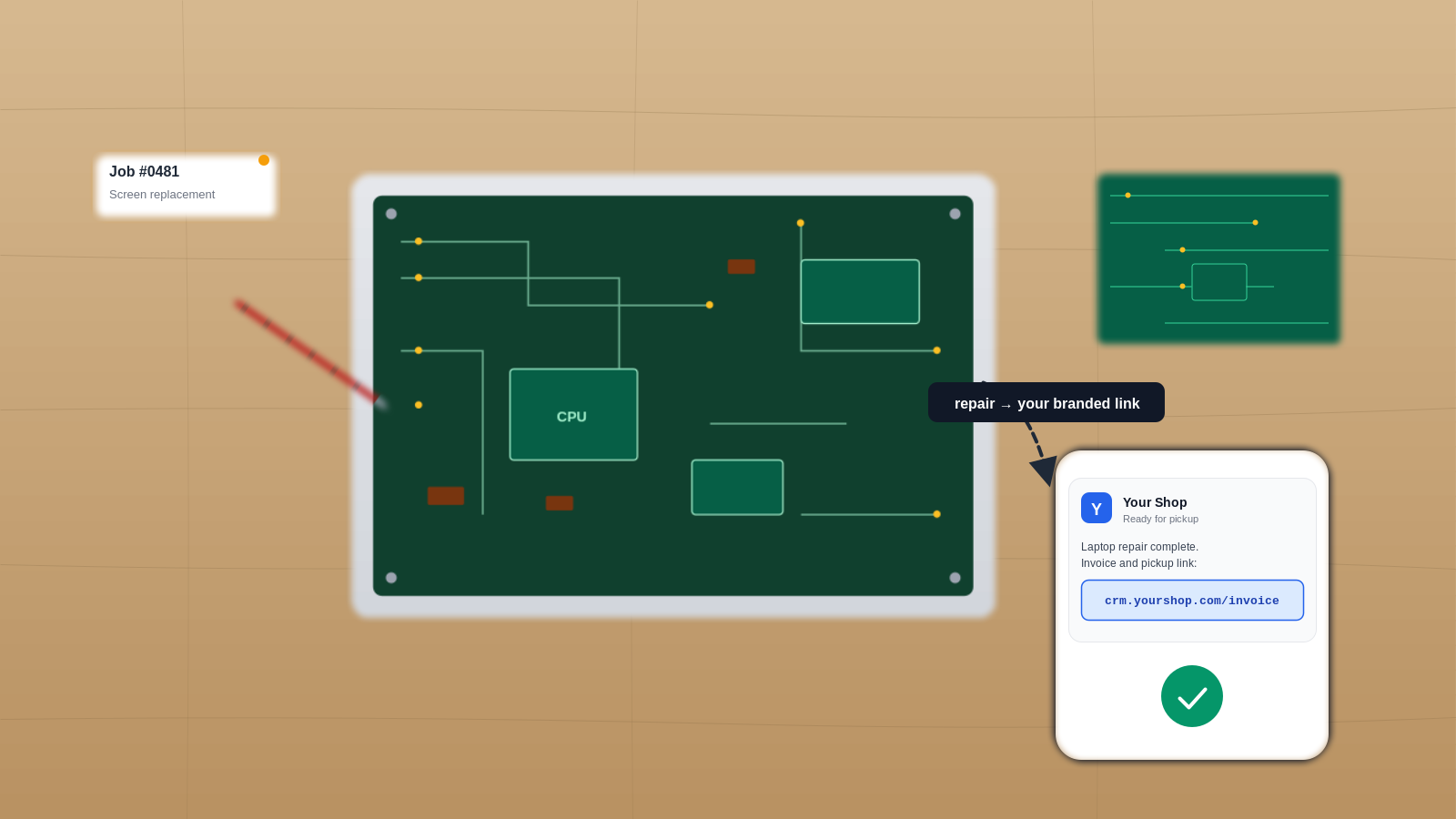
A customer gets a WhatsApp message from your repair shop. Their laptop is ready, and there’s a payment link attached.
The link looks like this: yourshop-name.someothervendor.com/pay/xyz123.
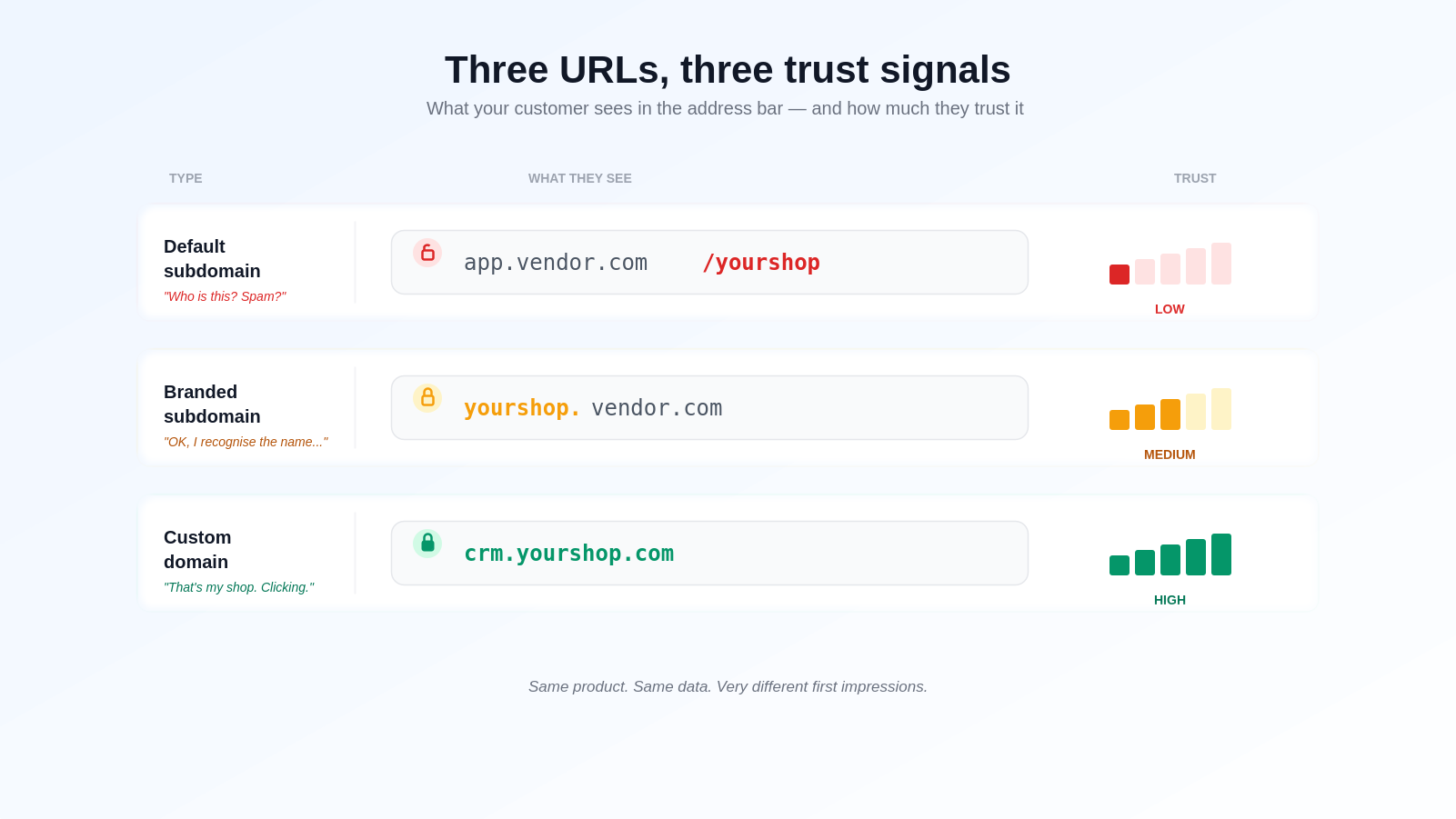
They pause. Is this legit? Did they even sign up for… that vendor? Why is a payment request coming from a brand they’ve never heard of?
A few call you to double-check. A few pay. Many just don’t click. That two-second hesitation — repeated across every customer, every payment link, every job update — is what a custom domain quietly fixes.
This is a trust problem dressed up as a technical one. And it’s why so many growing businesses eventually ask the same question: “Can we just use our own domain?”
Here’s the plain-English version — no jargon.
What Is a Custom Domain? Three Words That Keep Getting Mixed Up
People use custom domain, branded subdomain, and white-labelling as if they’re the same thing. They’re related, but they’re not. Getting this straight saves you a lot of confused conversations with your team and your vendors.
Branded subdomain
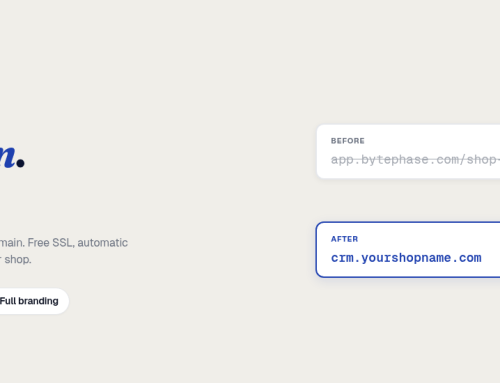
Example: yourshop.bytephase.com
This is a shared building with your name on one door. The main domain still belongs to the vendor, but you get a unique slot carved out for your business. Setup is usually free and instant.
The catch: your customers can still see the vendor’s name in the URL.
Custom domain
Example: crm.yourshop.com
This is your own building. You already own the domain — or you bought it for this purpose — and you tell it to point at the vendor’s tool. To your customer, there is no vendor in the URL at all. Just your brand.
In BytePhase, that includes the customer portal — the page where your customers check repair ticket status, view invoices, and pay — so every touchpoint they see carries your domain, not ours.
Setup involves DNS, which is really just a glorified forwarding address. A few records at your domain registrar and you’re done.
White-labelling
The full makeover.
White-labelling is the umbrella term for replacing every vendor-visible element with your own: your logo, your business name in emails and SMS, your colours, and — most importantly — your custom domain. Custom domain is the single biggest chunk of white-labelling, but it’s not the only piece.
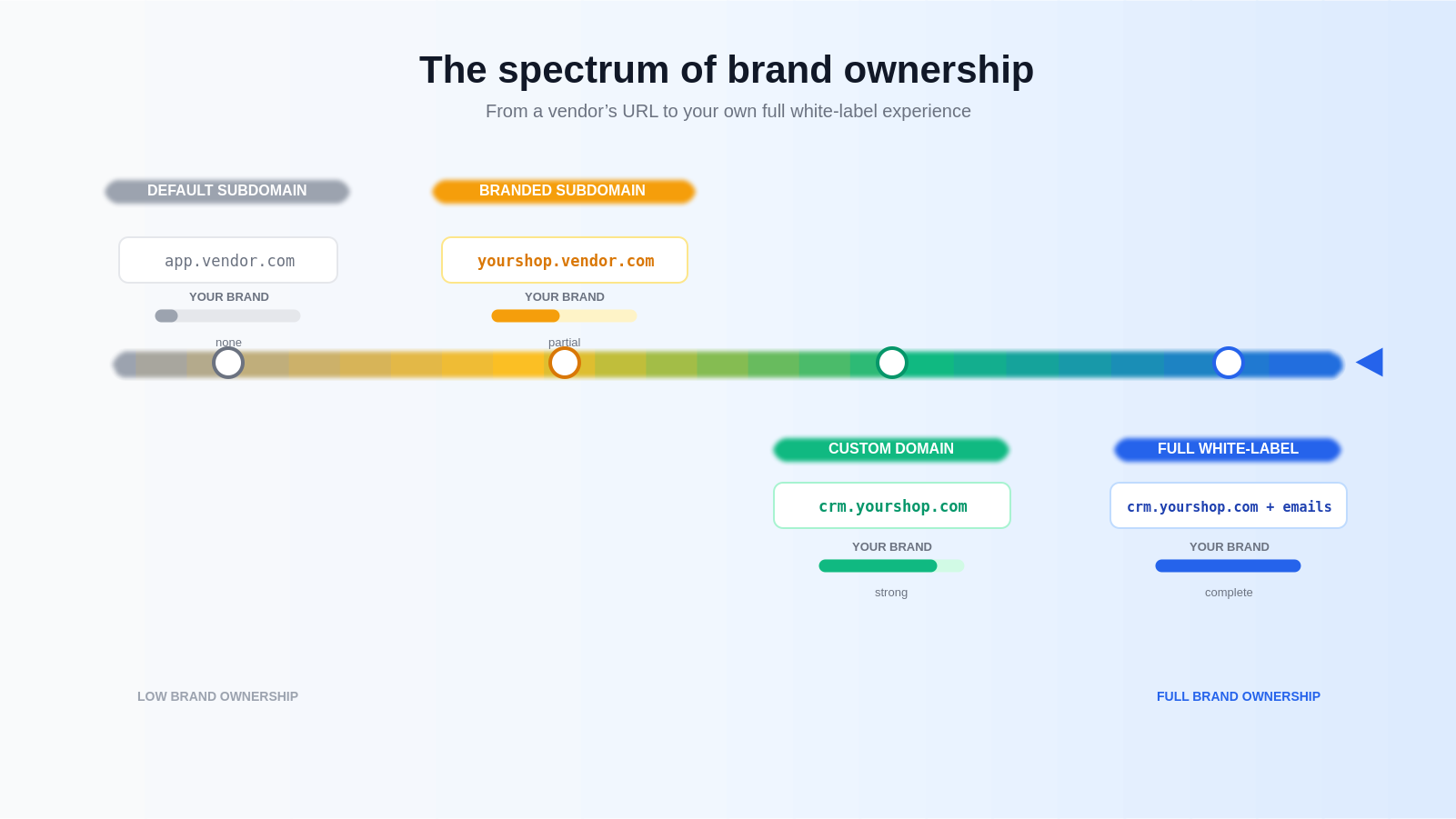
Here’s how the four compare at a glance:
| Default subdomain | Branded subdomain | Custom domain | Full white-label | |
|---|---|---|---|---|
| Example URL | app.vendor.com/yourshop | yourshop.vendor.com | crm.yourshop.com | crm.yourshop.com + branded emails and SMS |
| Whose brand customers see | Vendor’s | Both (you + vendor) | Yours only | Yours only |
| Setup effort | None | Minimal | One-time DNS setup | DNS setup + branding config |
| Best for | Trial / internal testing | Early-stage businesses | Real customer-facing communication | Agencies, franchises, enterprise |
| TIP
If you’re just starting out and not ready to touch DNS, a branded subdomain is a good first step. You can always upgrade to a full custom domain later without losing anything. |
|---|
Why This Actually Matters (Beyond “It Looks Nicer”)
This isn’t vanity. Every item below maps to real money — either won or lost.
Trust, and the clicks you never got
Your customers click what they recognise. When a link in an SMS shows your business name as the domain, they click without thinking. When it shows a vendor they’ve never heard of, some call you, some ignore it, and some report it as spam.
For a repair shop sending ten payment links a day, even a small hesitation rate translates into measurable payment delays.
This is repair ticket management playing out one message at a time — the same job update, sent from a domain your customer already recognizes, gets opened instead of ignored.
How you look to the people paying you
Think about who sends you an invoice from joescrmvendor.com/invoices/… versus accounts.joesworkshop.com. The second looks like a real business. The first looks like someone still setting up.
This matters more as your customers get bigger. B2B buyers, corporate clients, and insurance partners judge fast.
Email deliverability and link reputation
Shared SaaS subdomains are used by thousands of other customers. If any of them misuse the platform or end up on a spam blocklist, your legitimate emails can get caught in the crossfire.
Links from your own domain build your reputation — not someone else’s.
SEO and brand equity stay with you
Every link you share — every payment request, every customer update, every shareable report — carries a URL. When that URL is yours, any residual search value, backlinks, and brand recall compound under your name. When it’s the vendor’s, they collect the interest.
You own the customer relationship
This is the quiet one, and it’s the biggest.
If you ever switch tools — and most businesses do, eventually — your customers’ bookmarks and saved links break. Unless the URL is yours. If the URL is yours, you change the backend and nobody notices.
A custom domain is portability insurance.
Two Analogies That Make It Click
If any of this still feels abstract, here are two ways to think about it.
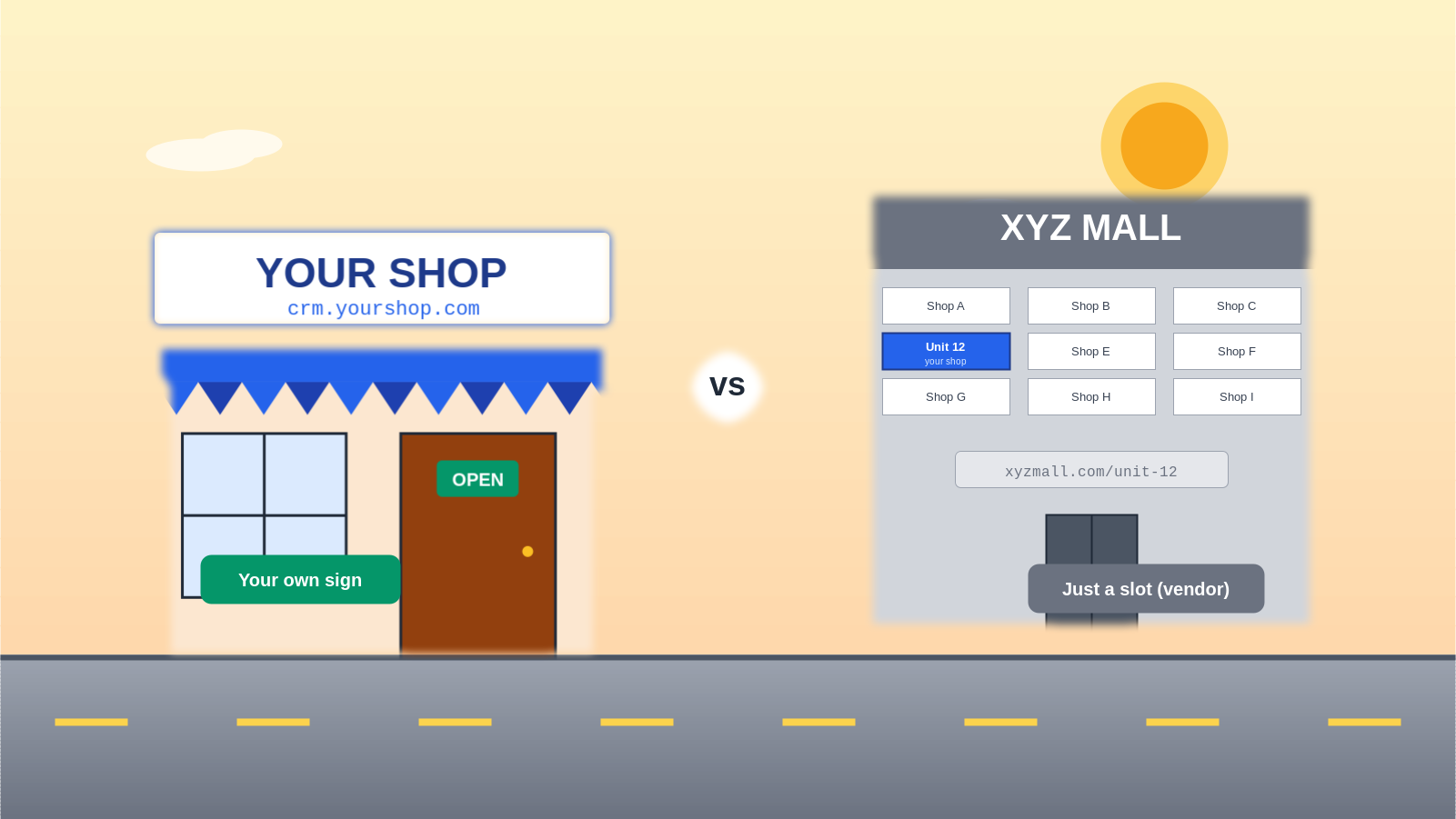
The shopfront sign. A shared subdomain is renting a slot on a mall’s “XYZ Mall — Unit 12” signboard. A custom domain is putting up your own board above your own door. Customers reach the same address either way — but one makes you look like a tenant, the other like the owner.
The return address on a courier. When you ship a package, you don’t print the courier company’s address as the sender. It’s your address. So why send customers links with a SaaS company’s address?
Who Benefits Most?
A custom domain helps almost every business that sends customer-facing links. But the return on effort is biggest for these:
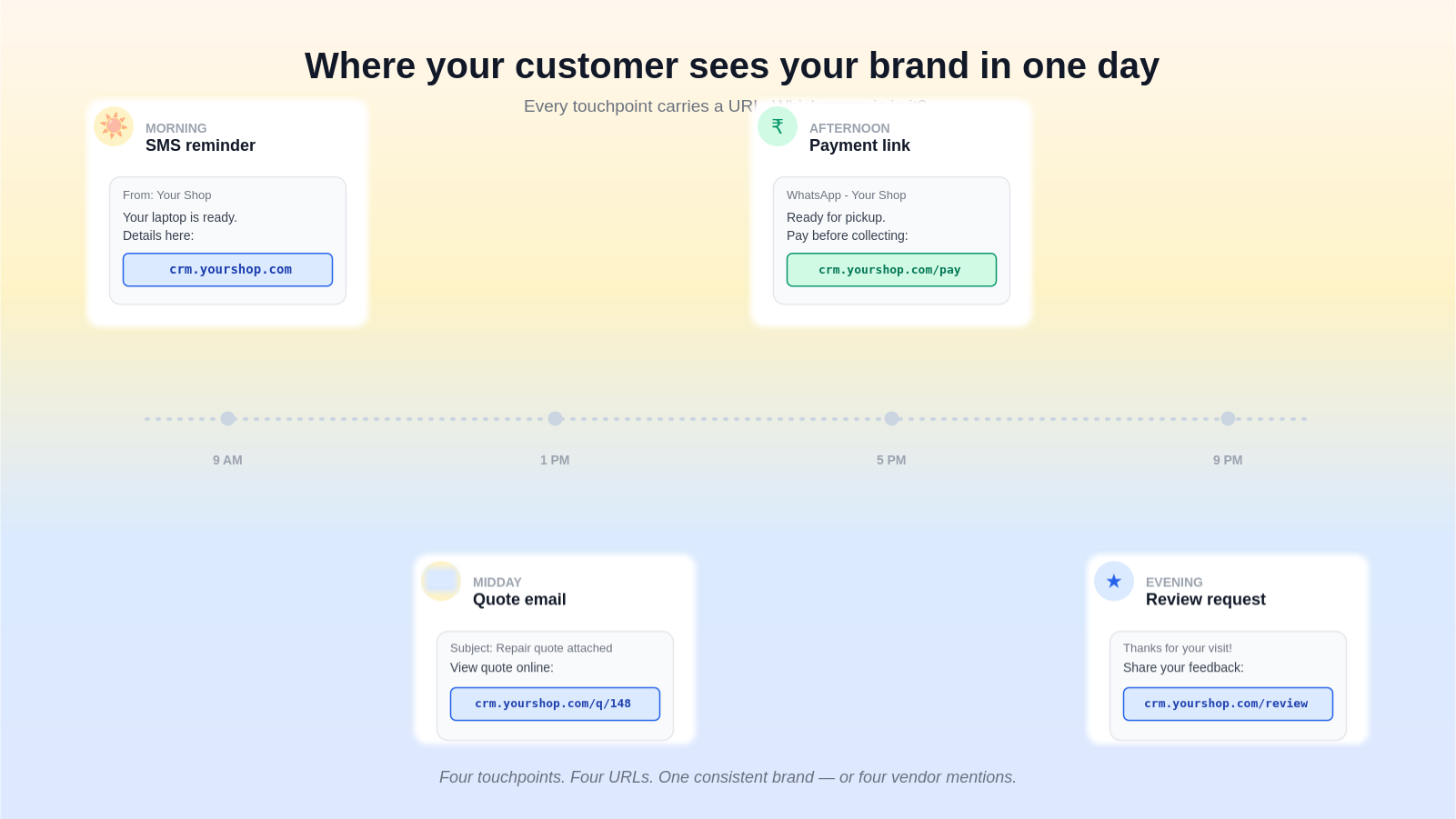
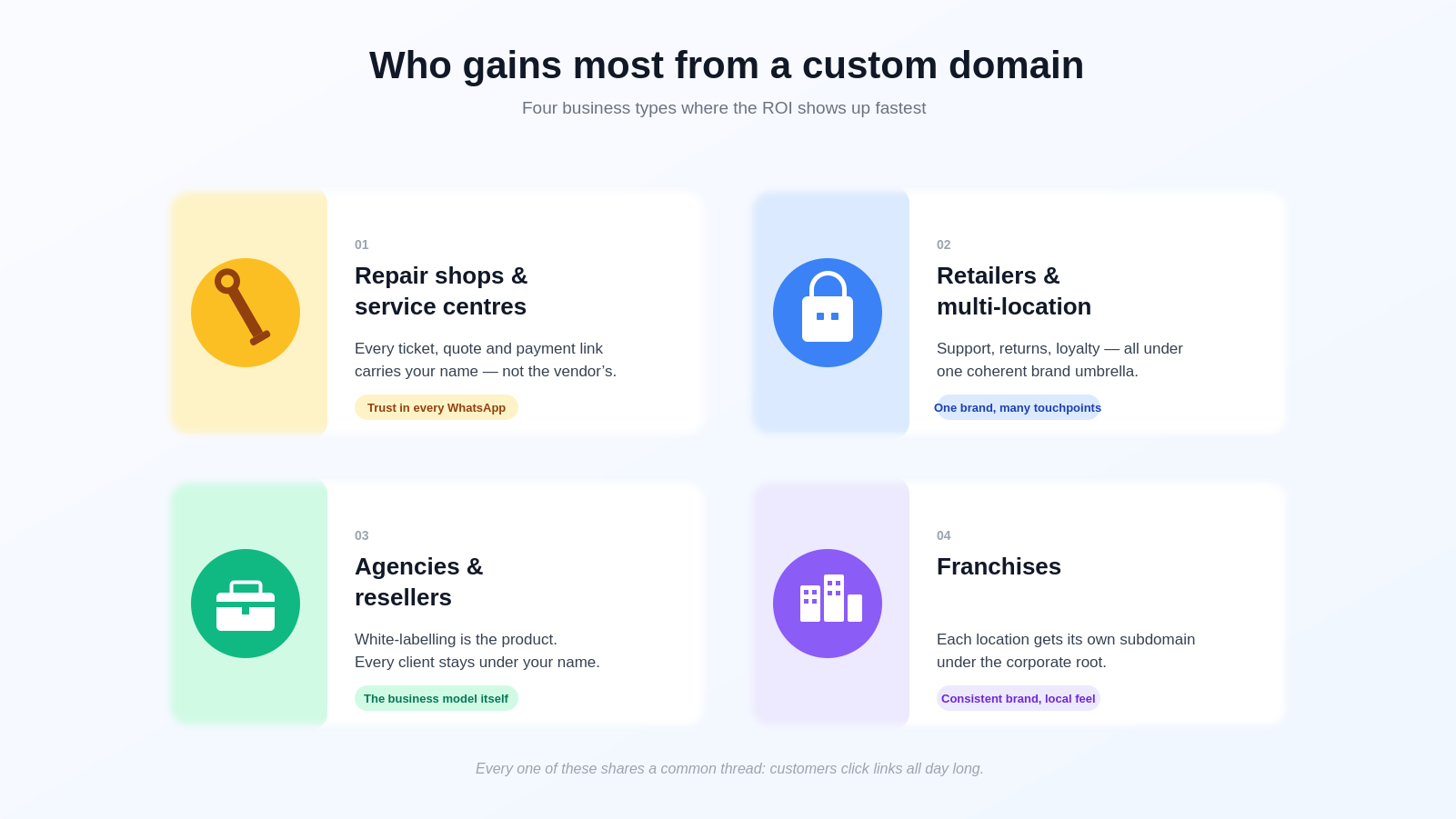
Repair shops, service centres, and workshops. Every job ticket, every payment link, every ready-for-pickup notification goes to your customer over WhatsApp or SMS. If your customers already know your shop’s name, seeing that same name in every link is an instant trust signal. In an industry that runs on word-of-mouth and repeat visits, that compounds fast.
If you’re already running service center software to issue those tickets, connecting a custom domain doesn’t change any of your workflows — it just changes what’s printed in the URL.
Retailers and multi-location businesses. Customers who interact with multiple touchpoints — support, returns, loyalty programs — get a unified experience when everything lives under support.yourbrand.com, returns.yourbrand.com, and so on. One brand instead of a patchwork of vendors.
Agencies and resellers. If you’re reselling the same platform to multiple clients under your own name, every client-facing surface has to be yours. White-labelling isn’t a nice-to-have — it’s the entire business model.
Franchises. Each location can have a subdomain off the corporate root (koramangala.yourbrand.com, pune.yourbrand.com). Consistent brand, local identity, no vendor name visible anywhere.
Enterprise buyers of any size. Procurement teams sometimes require first-party branding in vendor contracts. A custom domain often moves the deal forward.
Five Myths That Stop People From Doing This
The hesitation is almost always one of these five, and none of them hold up.
Myth 1 — “It’s too technical for my team.”
A custom domain setup on a modern platform is three DNS records and a few clicks. No servers to manage, no certificates to renew by hand. Most tools, BytePhase included, fully automate the SSL certificate.
Myth 2 — “I’ll lose my data if I switch.”
Nothing about your data, users, or configuration moves. The only thing that changes is the URL your customers see. Your existing vendor subdomain keeps working alongside the new one.
Myth 3 — “It will break my SEO.”
The opposite. Links shared on your own domain build backlinks and search presence under your brand — not the vendor’s. You only start accumulating that equity once your domain is the one in the URL.
Myth 4 — “HTTPS and SSL are a nightmare to set up.”
Not anymore. Platforms that support custom domains auto-issue free SSL certificates from trusted authorities and auto-renew them forever. You’ll never touch a certificate file.
Myth 5 — “It’s just a vanity thing.”
Re-read the “Why This Actually Matters” section above. It’s a trust, deliverability, and portability feature that happens to also look nicer.
| NOTE
Custom domain is not an all-or-nothing decision. You can connect your custom domain today and still keep your existing vendor subdomain working in parallel. Nothing breaks for anyone already using the old URL. |
|---|
Frequently Asked Questions
Do I need to buy a new domain?
No. If you already have a website at yourcompany.com, you can use a subdomain like crm.yourcompany.com with no extra purchase.
Can I use a subdomain of an existing domain?
Yes, and most businesses do. It’s faster, costs nothing extra, and leaves your main website untouched.
Will my users’ existing bookmarks break?
No. Your original vendor subdomain keeps working. You now have two working URLs — the old one and your shiny new custom one.
What happens if I stop using the platform?
You keep your domain. You paid for it; it’s yours. You simply point it somewhere else.
Does a custom domain slow down the app?
No. In most modern setups — BytePhase included — custom domains are served through a global CDN, which often makes pages faster for customers in distant locations.
Is there a limit on how many custom domains I can connect?
That depends on your platform and plan. Most single-location businesses only connect one; multi-location and franchise setups typically connect more.
How long does setup take?
Roughly 15–30 minutes of active work on your side. DNS propagation runs in the background and usually completes within 30 minutes, though the internet officially allows up to 24 hours.
| BEST PRACTICE |
|---|
| Set this up once, early. The longer you wait, the more customer touchpoints carry the wrong URL, and the more “old” links stay in circulation. There’s no clean migration — just a cutover. Earlier is cheaper than later. |
|---|
Ready to Make the Switch?
If you’ve read this far, you already know the answer.
A custom domain is one of those quiet, compounding improvements — every customer touchpoint from today onwards sends a signal that says this is a real, established business. That signal doesn’t show up on any dashboard, but it shows up in click-through rates, in repeat customers, and in every conversation that ends with “okay, send me the link.”
If you’re on BytePhase, the whole thing takes under 30 minutes. We’ve written a complete step-by-step guide with screenshots from the actual app — every click, every DNS field, every status badge:
Read next: How to Configure Custom Domain / White-Labelling in BytePhase
Already know you want this enabled for your shop? You’ll find it under Business Settings → White Label inside BytePhase CRM. Or Book A Demo for BytePhase CRM to use White label in BytePhase