
What Is Cloud CRM Software? Benefits, Features & How It Works in 2026
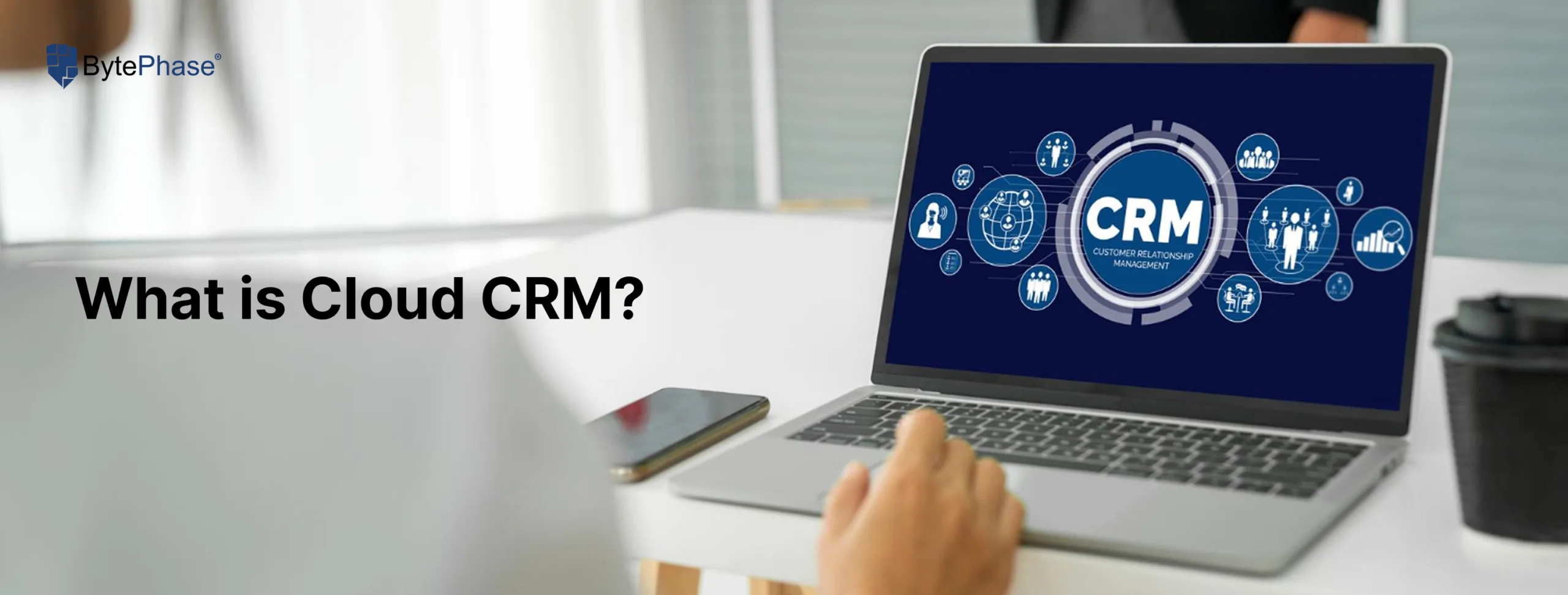
Managing a repair shop used to mean juggling notebooks, spreadsheets, and sticky notes. Today, thousands of repair businesses have replaced all of that with a single cloud-based tool: Cloud CRM software.
But what exactly is Cloud CRM, how does it work, and why are repair shop owners across 32+ countries switching to it? This guide breaks it all down — including a real cost comparison, a feature checklist, and answers to the most common questions. Platforms like BytePhase CRM bring this power to repair shop owners, helping them manage clients, invoices, and jobs seamlessly from the cloud.
Let’s dive deeper into how it works, and why it’s changing the way businesses operate in 2026.
What is cloud CRM?
Cloud CRM is a customer relationship management system that runs entirely on the internet. Instead of installing software on a single computer, everything — customer records, repair jobs, invoices, technician notes, payment history — lives on secure online servers you access through a web browser or mobile app.
Think of it this way:
You own a mobile phone repair shop in Pune. A customer drops off their phone on Monday. On Tuesday you’re at a vendor meeting. With Cloud CRM, you open your phone, check the job status, see that your technician flagged a broken charging port, approve the spare part, and send the customer a WhatsApp update — all in 60 seconds, without being in the shop.
That’s the core promise of cloud-based CRM: your entire business, accessible from anywhere.
Unlike traditional CRM software installed on a desktop PC, a cloud CRM requires no installation, no local server, and no IT department to maintain it.
How Does Cloud CRM Work?
Cloud CRM works by hosting your business data on remote servers managed by the software provider. Here’s the complete flow for a typical repair shop:
- Customer walks in → Staff creates a repair ticket in the CRM dashboard (device, issue, contact details, estimated cost).
- Data hits the cloud → The ticket is instantly stored on encrypted servers — not your local machine.
- Team accesses in real time → Your technician sees the job, updates the status, and adds parts used — from their workstation or phone.
- Automated triggers fire → The system sends the customer an SMS or WhatsApp update when their device is ready.
- Invoice is generated automatically → Payment is tracked, receipt is sent, and the record is archived for future reference.
- You review it all remotely → From home, from another branch, or mid-flight — your dashboard shows everything in real time.
Every step is synced instantly across all users and devices. No manual handoffs. No “I forgot to update the sheet.”
Key Features of Cloud CRM Software
Not all CRMs are equal. Here are the features that matter most for service-based businesses and repair shops in 2026:
1. Centralized Customer Database
Every customer’s full history — devices repaired, past invoices, communication logs, warranty status — stored in one searchable place. No more digging through WhatsApp chats or paper receipts to find a past job.
2. Real-Time Job & Repair Ticket Tracking
Create a repair ticket the moment a device arrives. Assign it to a technician. Track status updates (Received → Diagnosing → Repairing → Ready → Delivered) in real time. Every change is timestamped and visible to the entire team.
3. Automated Invoicing & Payments
Generate professional invoices in seconds, send them via email or WhatsApp, and track payment status automatically. BytePhase supports UPI and GST-compliant billing for Indian repair shops out of the box.
4. Multi-Device, Anywhere Access
Works on desktop browsers, tablets, and smartphones. Your technicians, front-desk staff, and management see the same live data simultaneously — whether they’re in the same room or different cities.
5. Technician Management & Performance Tracking
Assign jobs to specific technicians, set deadlines, and view performance metrics (jobs completed, average resolution time, customer ratings). Ideal for shops with 2–20+ technicians.
6. Automated Customer Notifications
Pre-built WhatsApp and SMS triggers notify customers when their device is received, when repair starts, and when it’s ready for pickup — without any manual action from your staff.
Track spare parts stock levels, get low-inventory alerts, and link parts used directly to repair jobs for accurate cost tracking and profitability reporting.
8. Analytics & Business Reports
Real-time dashboards showing revenue, job volume, technician efficiency, top repair types, and customer retention — all the data you need to make smart business decisions without hiring an analyst.
9. Automatic Data Backup & Security
Data is encrypted in transit and at rest, backed up daily, and protected by role-based access controls. If your shop computer is stolen tomorrow, your business data is completely safe.
Benefits of Using Cloud CRM for Repair Shops
Here’s what changes in a real repair shop within 30 days of switching to cloud CRM:
| Problem Before CRM | After Cloud CRM |
|---|---|
| Customer calls asking “is my phone ready?” and staff have to search manually | Automated WhatsApp, Email, SMS update sent the moment job is complete |
| End-of-day invoicing takes 1–2 hours | Invoices auto-generated and sent in seconds |
| Owner can’t check shop performance when traveling | Full dashboard on phone, anytime |
| Spare parts run out without warning | Low-stock alerts trigger automatically |
| No way to measure technician performance | Per-technician reports with resolution times and job counts |
| Computer crashes → data lost forever | Data backed up daily on cloud, zero risk of loss |
BytePhase serves 2,130+ repair businesses across 32+ countries — from solo and multi branch technicians in India to multi-branch repair chains in the UK and Australia. The single most consistent feedback: “I wish I had switched earlier.”
🔍 Cloud CRM vs Traditional CRM
| Feature | Cloud CRM | Traditional CRM |
|---|---|---|
| Installation | Sign up → ready in minutes | Install, configure (days) |
| Accessibility | Anywhere, anytime | Only on installed machine |
| Upfront cost | ₹0 hardware cost | ₹50,000–₹5,00,000+ server |
| Monthly cost | Predictable subscription | Licence + IT support fees |
| Updates | Automatic, included | Manual, often paid extra |
| Data backup | Daily automatic backup | Manual — often skipped |
| Multi-user | Unlimited simultaneous users | Limited by local network |
| Scalability | Add branches instantly | Requires hardware upgrades |
| IT maintenance | Zero — handled by provider | Needs dedicated IT support |
| Failure risk | Provider-managed redundancy | Single point of failure |
How to Choose the Right Cloud CRM for Your Repair Shop
Not every cloud CRM is built for repair businesses. A generic sales CRM like Salesforce or HubSpot can cost 3x more and still not handle repair tickets, spare parts, or OTP device handover out of the box. Here’s what to check before you commit:
✅ Repair-specific workflows — Does it handle job tickets, device intake, and status tracking natively — or do you need to customize everything from scratch?
✅ WhatsApp & SMS integration — Can it send automated customer updates at each repair stage without a third-party plugin?
✅ Invoicing & local payments — Does it support your country’s billing requirements? For India: GST-compliant invoices and UPI payments built in.
✅ Multi-user access — Can your front desk, technicians, and manager all work simultaneously without overwriting each other’s updates?
✅ Mobile-first design — Can technicians update job status from their phone on the workshop floor — not just from a desktop?
✅ Data security — Is data encrypted in transit and at rest? Where are the servers located? Is there a daily backup?
✅ Free trial available — Any serious platform lets you test before you pay. If they don’t offer a trial, that’s a red flag.
✅ Scalable pricing — Will the cost jump sharply when you add a second branch or three more technicians? BytePhase checks every item on this list — purpose-built for repair shops, not retrofitted from a sales tool.
How BytePhase Cloud CRM Works for Repair Shops
BytePhase isn’t a generic CRM that repair shops try to adapt — it’s purpose-built for repair businesses from day one.
Built for Repair Shop Workflows
Every feature maps directly to how repair shops actually operate: repair ticket management, device intake forms, OTP-based device handover verification, spare parts tracking, and multi-technician job assignment. No customization needed — it works out of the box.
WhatsApp-Native Communication
Send automated WhatsApp messages to customers at each stage of the repair — intake confirmation, job update, payment request, and pickup notification. Customers love it. Staff save hours every week.
GST & UPI Ready for India
Generate GST-compliant invoices, accept UPI payments, and maintain proper billing records — all within the same platform. No juggling between separate invoicing tools.
Multi-Branch Support
Managing two locations? Ten? BytePhase gives each branch its own dashboard while giving owners a consolidated view across the entire business.
Fast Onboarding
Most shops go live in under 30 minutes. Import your existing customer data, configure your job types, and start creating tickets on day one.
Conclusion
If you’re still managing your repair shop with spreadsheets, paper job cards, or disconnected apps — you’re leaving money, time, and customers on the table.
Cloud CRM gives repair shop owners one thing traditional systems never could: complete control over your business from anywhere, in real time. No hardware. No IT headaches. No data loss risks.
Whether you run a single repair shop or manage multiple branches, BytePhase Cloud CRM helps you simplify your daily operations, improve communication, and deliver exceptional customer service — all powered by the cloud.
👉 Ready to experience the power of cloud CRM?
Start your free trial with BytePhase CRM today and take your repair business to the next level.