How to Install the BytePhase Android App: 2-Minute Setup Guide
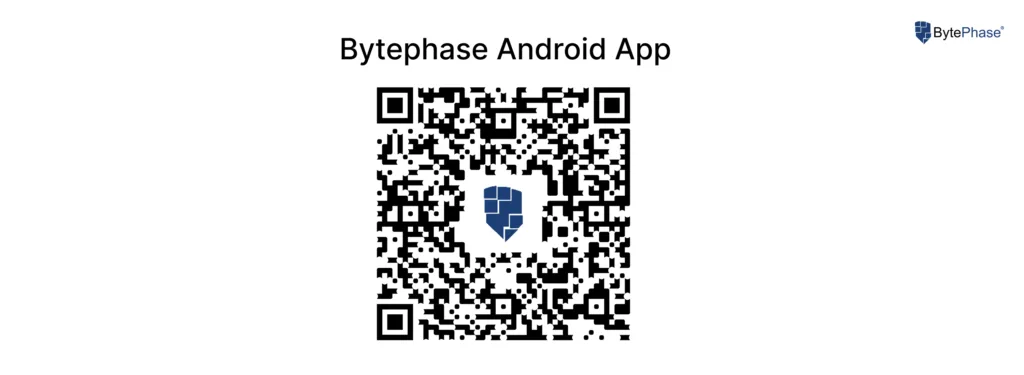
Install the BytePhase Android App in 2 Minutes
Want to manage your repair shop from your phone? This guide shows you how to install the BytePhase Android app, sign in, and create your first repair ticket – in under two minutes, no technical steps required.
BytePhase is available as a native app for both Android and iOS, and there’s no limit on how many devices you can install it on, so your whole team can stay connected on the go.
📲 Step-by-Step: BytePhase Android App Installation
Step 1: Open Google Play Store
Go to the Google Play Store on your Android phone or tablet.
Step 2: Search for “BytePhase”
In the search bar, type “BytePhase” and hit enter. Look for the app with the official BytePhase logo.
Step 3: Tap Install
Once you find the official BytePhase app, tap Install to begin the download. It only takes a few seconds, depending on your connection.
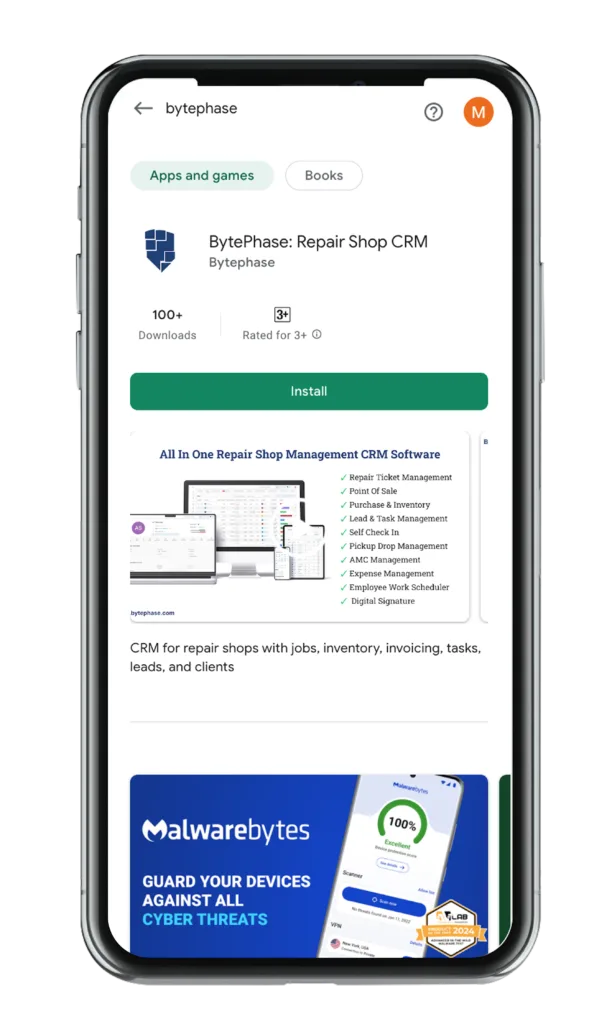
Step 4: Open the App and Sign In
After installation, tap Open to launch the app. Enter your login credentials to reach your dashboard – or register directly from the app if you’re a new user.
Step 5: Create Your First Repair Ticket
From your dashboard, tap to add a new repair ticket. Fill in the customer and device details – most shops create a ticket in under a minute – and it syncs instantly with your web dashboard. That’s it: you’re ready to run your repair shop from your phone.
Benefits of Using the BytePhase Android App
Here’s why repair shop owners rely on the BytePhase Android app day to day:
1. Manage Repairs On the Go
Track ongoing repair jobs, update customer details, and manage tickets anytime, anywhere.
2. Real-Time Notifications
Get instant updates on repair status, customer messages, and inventory levels – all in real time.
3. Inventory & Stock Management
Check part availability, add new items, and update stock levels from your phone.
4. Customer Communication
Send automated SMS and WhatsApp updates directly from the app to keep customers informed about repair progress.
5. Multi-User Access & Secure Cloud Sync
Assign tasks, monitor team activity, and keep every device in sync – your data is securely stored in the cloud and accessible from web or mobile.
📌 Final Thoughts
The BytePhase Android app puts our full repair ticket software in your pocket, so you can create tickets, track inventory, and message customers whether you’re on the shop floor or out in the field.
New to BytePhase? Start a 15-day free trial and see how the web and mobile apps work together for your shop.
👉 Download the BytePhase Android App from Google Play and take control of your workflow today!
Need help? Visit our Help Center or contact BytePhase Support for personalized assistance.