5 Best Repair Ticket Software Options for Small Repair Shops (2026)
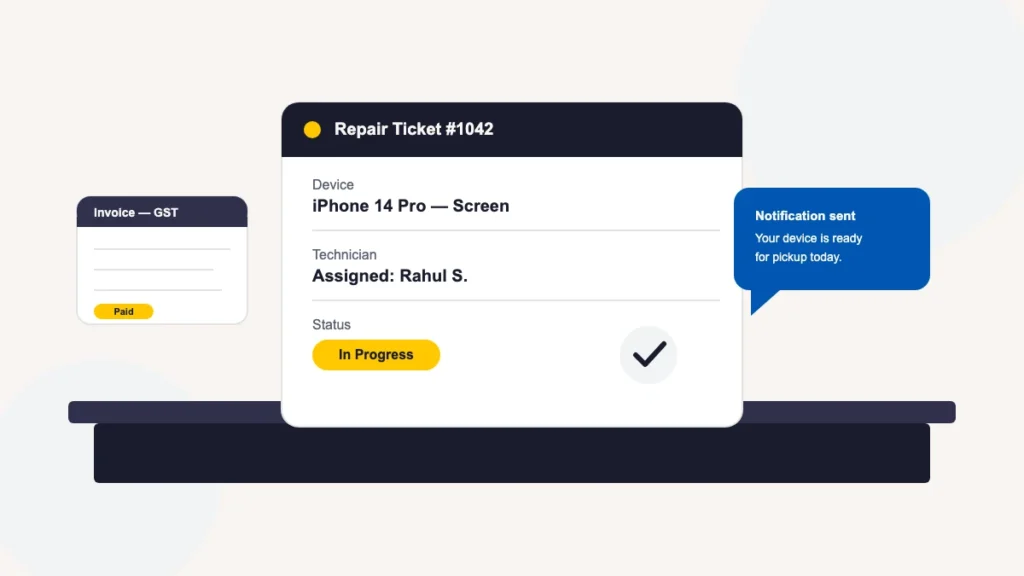
The best repair ticket software for small businesses in 2026 comes down to a short list: BytePhase, RepairShopr, RepairDesk, Orderry and HelloClient. Each turns a repair job into a trackable digital ticket instead of a paper slip — device details, technician assignment, status, parts and the final invoice, all in one record. We compared how each platform handles ticket creation speed, customer notifications, invoicing and everyday shop workflows, not just marketing feature lists. For most small repair shops, BytePhase is the strongest overall pick: it was built specifically for repair businesses, with digital ticketing, automated WhatsApp/SMS/email notifications, GST/VAT invoicing, and a 15-day free trial.
Not comparing, just looking for the software? BytePhase’s repair ticket management software covers tickets, parts, WhatsApp updates and OTP-verified delivery, with a 15-day free trial.
2,000+ repair shops, 40+ countries, tickets created in under 60 seconds. That’s the scale this comparison is built on.
What is repair ticket software?
Repair ticket software is a cloud-based system that manages a repair job from intake to handover. When a device arrives, the shop opens a digital ticket — customer details, device model, reported fault, assigned technician and status — and that ticket stays the single record for the job until it’s picked up. Printed out, the same record often doubles as the job card the customer signs at drop-off and pickup; digitally, it’s the live version of that same document.
The idea is a specialised version of a general issue tracking system, adapted for the physical intake, repair and handover of a device rather than a software bug. Modern repair ticket management also covers automated customer notifications, digital invoicing, technician performance tracking and — for shops running more than one location — multi-branch support with one login across branches. The category is sometimes called a repair ticketing system or repair shop management software; they describe the same thing.
The difference between a good repair ticketing system and a spreadsheet isn’t the record itself — it’s what happens automatically once that record exists. A well-built ticket triggers a customer notification the moment status changes, generates a compliant invoice the moment a job is marked complete, and rolls up into a report the owner can check without asking anyone. A spreadsheet or a shared WhatsApp thread can hold the same information, but every one of those steps has to happen manually, which is exactly where small shops lose hours every week.
What to look for in repair ticket software for a small shop
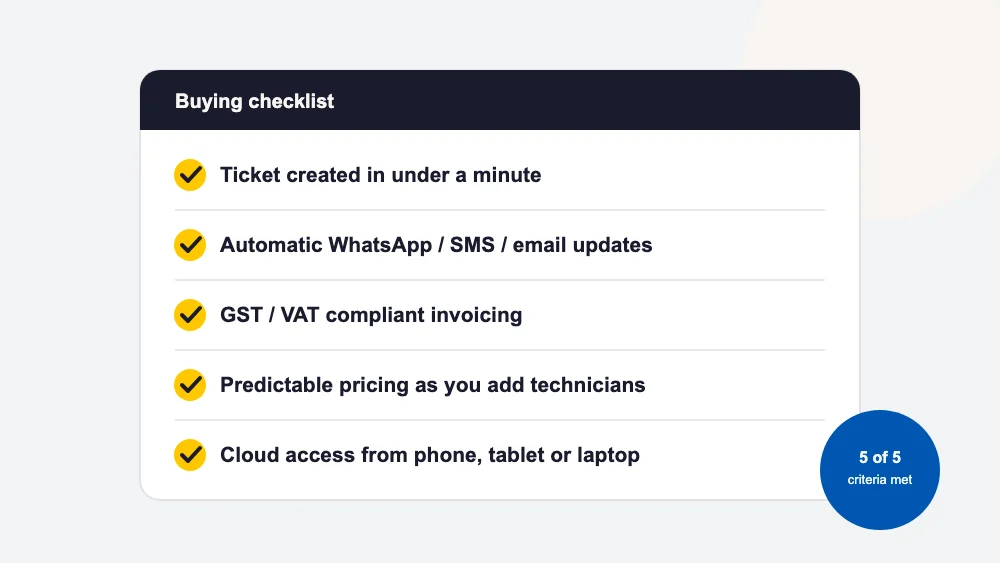
Before comparing individual tools, it helps to know what actually separates software your team keeps using from software that quietly gets abandoned after a month:
- Ticket creation speed — intake should take under a minute, not five minutes of form-filling.
- Automatic customer notifications — WhatsApp, SMS or email updates on status changes, without a staff member picking up the phone.
- Tax-compliant invoicing — GST, VAT or your local tax rules handled natively, not bolted on.
- Predictable pricing as you grow — the cost of adding a technician or a second branch shouldn’t punish growth.
- Cloud access — your team needs to log in from a phone or laptop, not just one shop PC.
A tool missing more than one of these tends to push a shop back toward paper and WhatsApp groups — the exact chaos repair ticket software exists to prevent.
The best repair ticket software for small businesses in 2026
Here’s how the leading options stack up for a small repair shop, starting with the platform built specifically for this industry.
At a glance: the five options compared
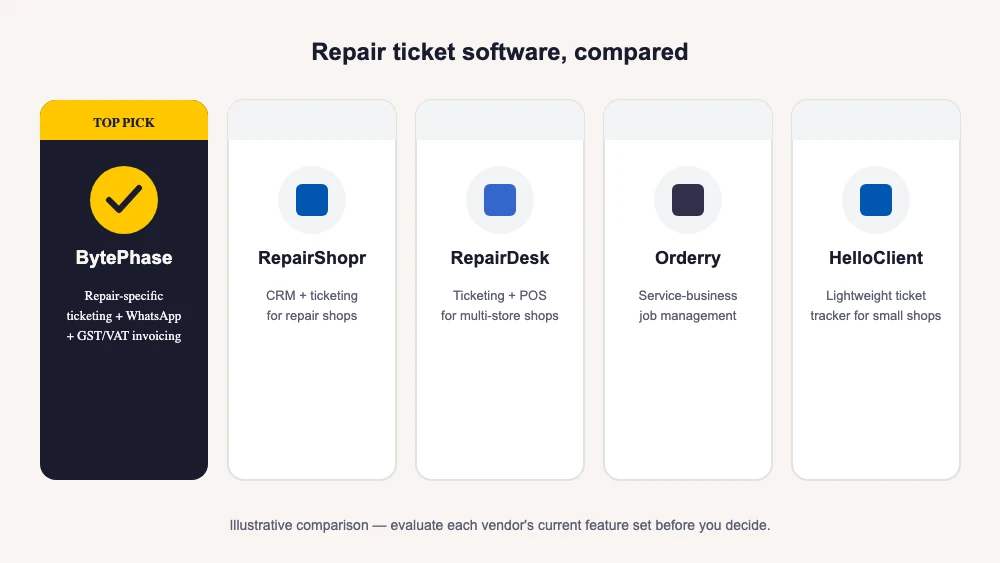
| Software | Built as | Best for | Stands out for |
|---|---|---|---|
| BytePhase | Purpose-built repair shop software | Small repair shops that want same-day setup | WhatsApp/SMS/email status updates, GST/VAT invoicing, 15-day free trial |
| RepairShopr | Repair ticketing with built-in CRM, POS and marketing | Computer and mobile shops wanting an all-in-one | One of the longest-running names in the category |
| RepairDesk | Repair ticketing with point-of-sale and inventory | Single shops and small multi-store chains | Strong retail and multi-store tooling |
| Orderry | Broader service-business management platform | Mixed service businesses beyond repair | Work orders, invoicing and reporting focus |
| HelloClient | Lightweight ticket tracker | Very small or single-technician shops | Basic job tracking with minimal setup |
1. BytePhase — best overall for small repair shops
BytePhase is purpose-built for repair businesses rather than adapted from a generic CRM or field-service tool, and that shows up in the day-to-day workflow. It covers digital ticketing and job sheets, GST/VAT invoicing, barcode-based inventory tracking, in-shop POS billing, and automated WhatsApp, SMS and email notifications at every status change. A customer portal lets clients track repair status themselves instead of calling in, and features like AMC (annual maintenance contract) management, outsource management for jobs sent to third-party vendors, pickup and drop scheduling, lead management, payment collection, activity logs and branches opened from one login cover shops that outgrow a single counter.
What tends to matter most for a small shop specifically is how little setup it takes to get from signup to a live ticket — most BytePhase shops are running real jobs the same day they sign up, rather than spending a week in onboarding calls. That matters more than a longer feature list when you’re the owner, the front-desk staff and the first technician all at once.
See the full repair ticket management software feature set, or start a 15-day free trial.
2. RepairShopr
RepairShopr is one of the longest-running names in repair-shop software, combining ticketing with a built-in CRM, point of sale and marketing automation. It’s popular with computer and mobile repair shops, particularly in the US, and suits shops that want ticketing bundled tightly with retail POS and customer marketing in one system. Because it’s been around long enough to accumulate a wide integration list, it can also fit a shop that already runs on a specific accounting or payments stack and wants a ticketing tool to slot into it. Check RepairShopr’s current plans and integrations directly with them, since pricing and modules change over time. If you are planning to move off it, compare each RepairShopr alternative side by side.
3. RepairDesk
RepairDesk pairs repair ticketing with point-of-sale and inventory tooling, and is used by both single-location shops and small multi-store chains. It leans toward shops that want strong retail and marketplace features alongside the repair workflow — useful if a meaningful share of revenue comes from selling parts and accessories rather than labour alone. As with any vendor, verify RepairDesk’s current feature list and store-count pricing directly with them.
4. Orderry
Orderry is a broader service-business management platform — used by repair shops but also by other field- and shop-based service businesses — built around work orders, invoicing and reporting rather than repair-specific fields like device-condition notes. It can suit a shop that wants one tool to also manage adjacent service lines beyond repair, at the cost of some repair-specific polish you’d get from a tool built around this industry alone.
5. HelloClient
HelloClient is a lighter-weight ticket tracker aimed at very small or single-technician shops that want basic job tracking without a long setup process. It trades some of the automation and reporting depth of the larger platforms for simplicity, which can suit a shop that’s just moving off paper for the first time and isn’t ready for a full-featured system yet.
How repair ticket software pricing works
Pricing models vary more than feature lists do, and it’s worth understanding the model before you look at the number. Three patterns show up across the category: per-technician or per-user pricing, where the bill grows every time you hire; per-device or per-ticket pricing, which is fine at low volume but can climb fast once a shop processes hundreds of repairs a month; and flat, per-branch pricing, which stays predictable regardless of team size or ticket count.
Whichever tool you evaluate, ask up front about payment-processing fees, SMS/WhatsApp credit costs and add-on modules — these are frequently billed separately across the industry and are usually where a “simple pricing” claim falls apart. It also helps to ask what happens to your ticket history and customer records if you ever cancel: some platforms make export easy, others make it a support ticket of its own. See current BytePhase plans →
Which repair shops each option fits best
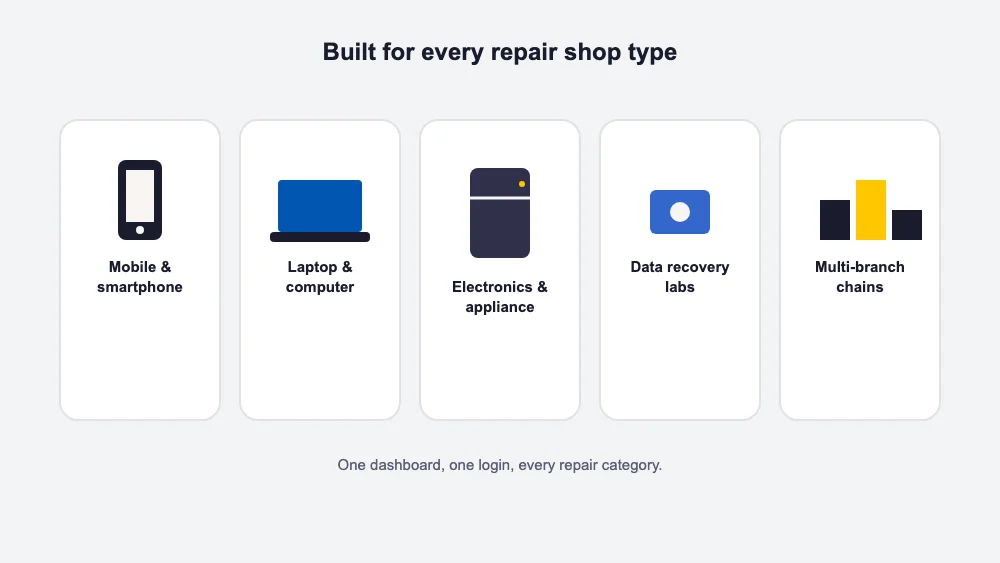
Mobile & smartphone repair shops: high ticket volume and fast turnaround make automatic notifications and device-level tracking especially valuable — this is where BytePhase’s WhatsApp updates and barcode intake save the most staff time.
Laptop & computer repair centers: multi-stage jobs with part sourcing benefit from clear technician assignment and status stages between diagnosis, parts-awaiting and repair.
Electronics & appliance repair businesses: pickup and drop scheduling and AMC/warranty tracking matter more here than in walk-in-only shops.
Data recovery labs: chain-of-custody matters — look for OTP-verified handover and detailed job notes.
Multi-branch repair chains: once you’re running more than one location, the deciding factor is whether one account runs every branch, each with its own tickets, inventory and reports, not a separate account per store.
How to choose the right repair ticket software for your shop
Skip the generic feature checklist and answer five questions honestly — the right tool usually becomes obvious. For a longer walkthrough, see our repair shop software buyer’s checklist.
- How many tickets do you process a month? Low volume needs simplicity; high volume needs automation and multi-technician workflows, or the manual chaos comes back.
- What’s your tax region? India (GST), UK (VAT), Saudi Arabia (ZATCA), the EU (VAT) — the tool should handle your region natively, not through workarounds.
- One store or many? Verify the total monthly cost across every location and technician before committing, not just the headline plan.
- How tech-savvy is your team? If onboarding needs to be fast, avoid tools with long setup cycles.
- Will you grow? Pick a platform that scales from one location to several on the same data, so you’re not migrating history later.
Most repair ticket software looks similar in a demo. The real test is week three, once ticket volume climbs and you find out whether notifications, invoicing and technician assignment hold up without extra manual steps.
If your shop is still tracking repairs on paper or in a WhatsApp group, moving to dedicated repair ticket software is one of the highest-leverage changes you can make this year. See the full repair ticket management software feature set, or read a closer side-by-side of BytePhase against RepairDesk, RepairShopr and Orderry.
Running repair tickets across multiple locations
Once a repair business opens a second branch, the ticketing requirements change. You need one shared queue every location can see, inventory counted where the parts physically sit, and clear access roles so a branch manager works their own location’s tickets without editing another branch’s records. A single-location tool stretched across branches usually fails at exactly these three points.
BytePhase supports multi-branch operation natively — the multi-branch repair shop software page covers how branch-level tickets, stock and reporting fit together, and the repair ticket management page explains the underlying workflow.
Mobile apps for technicians in the field
A ticket system that only works at the front desk leaves technicians updating jobs from memory at the end of the day. A mobile app lets them change ticket status, add notes and check parts from the bench or on a pickup run — so the ticket history reflects what actually happened, when it happened. When you evaluate any option on this list, ask to see the technician app, not just the desktop dashboard.
BytePhase includes a mobile app for exactly this — installing the BytePhase Android app takes a few minutes per technician.
Repair tickets are the core of BytePhase, and you can try the full workflow free for 15 days.